
Network Documentation Workbook
Seven-sheet Excel workbook for documenting your entire network: site overview, equipment inventory, switch port map, static IPs, DHCP reservations, Wi-Fi & VLANs, and vendor contacts. If your IT provider disappeared tomorrow, this is the document that would save you.
Excel workbook, seven sheets, ready to fill in
Site overview, equipment inventory, switch port map, static IPs, DHCP reservations, Wi-Fi & VLANs, and vendor contacts, one workbook that covers the network questions that come up the moment something breaks or someone new needs to get up to speed.
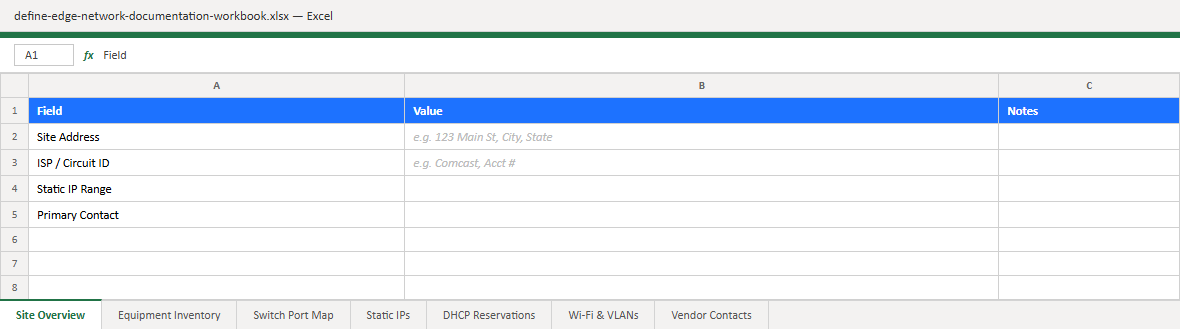
What's included
- Site Overview, address, internet circuit details, ISP account numbers, and the basic facts about the location that nobody remembers under pressure.
- Equipment Inventory, every router, switch, firewall, server, and access point, with model, serial number, location, and purchase/warranty info.
- Switch Port Map, what's plugged into every port on every switch, so nobody has to trace a cable through a ceiling to find out.
- Static IPs, every device with a fixed address, so two things never fight over the same one again.
- DHCP Reservations, devices that need a consistent address without a hardcoded static config, and why each one is reserved.
- Wi-Fi & VLANs, SSIDs, passphrases, VLAN IDs, and which network segment each one belongs to.
- Vendor Contacts, ISP support lines, account numbers, hardware vendors, and anyone else you'd need to call when something goes wrong.
Why this matters
Most networks exist entirely in one person's head, a past IT contractor, an employee who "handled computers," or whoever set things up years ago and never wrote it down. That's fine until that person is unavailable, on vacation, or gone for good, and something breaks. Then every fix starts with hours of discovery work just to figure out what you actually have.
This workbook is the single document that prevents that. It doesn't require a network engineer to fill out, just someone willing to walk through the office, check labels, log into a router or two, and write down what's there. An hour or two now can save a full day of guesswork later.
How to use it
Start with Site Overview and Equipment Inventory, those two sheets alone cover most emergency scenarios. Then work through the rest as time allows. Keep a copy somewhere that survives a single point of failure: not only on the server it describes. Update it whenever equipment changes, and treat it as a living document, not a one-time project.
Keep reading.
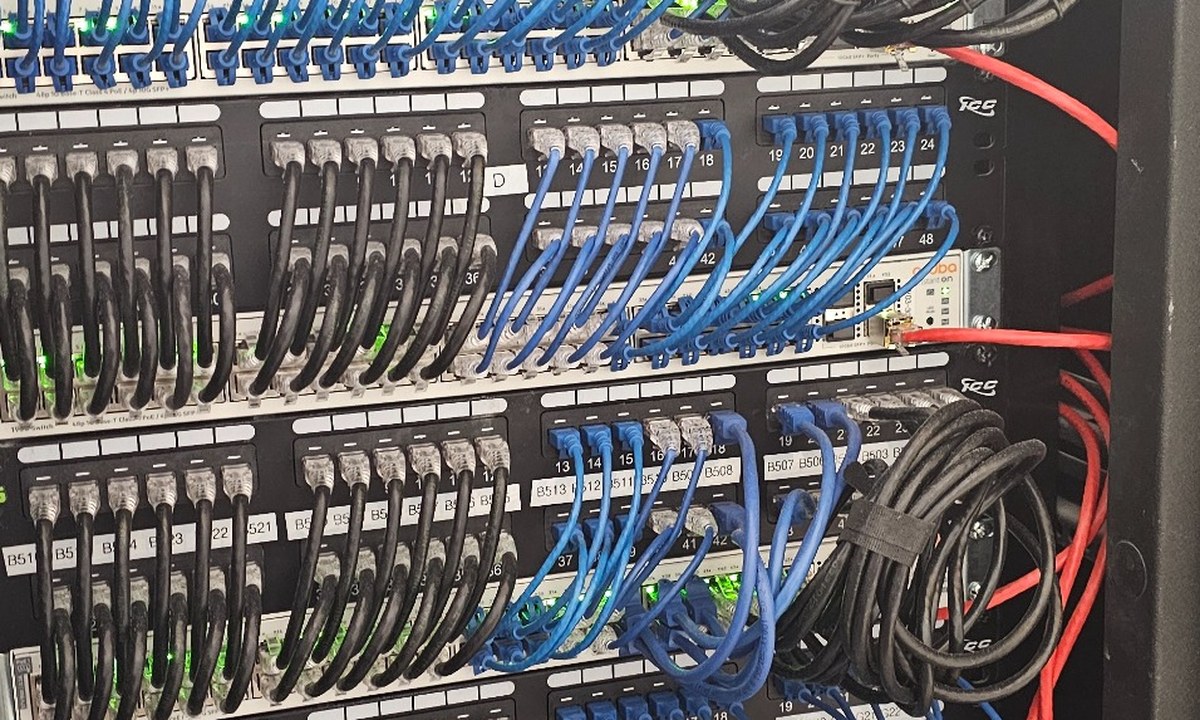
We'll document your network as part of onboarding.
Every managed client gets full environment documentation, built by us, kept current by us, and yours to keep if you ever leave.