
What should a small business network actually look like?
Most small business networks were never designed, they accumulated. A router from the internet provider, a switch from an office supply store, a Wi-Fi extender someone bought in a pinch. Here's what a network built on purpose looks like, and when the difference starts to matter.
The decision you're actually making
When people say "we need better Wi-Fi," they're usually describing a symptom. The real decision is whether your business runs on consumer equipment that was designed for a house, or business equipment that was designed for a workplace. A proper small business network has three distinct pieces: a router or firewall that controls what comes in and out, a managed switch that connects your wired devices, and real access points, plural, mounted where people actually work. Consumer gear collapses all three into one plastic box, which is exactly why it struggles.
Why consumer gear falls over around ten devices
A home router is built for a family: a few phones, a TV, maybe a laptop. An office is a different animal. Every workstation, phone, printer, camera, credit card terminal, and visitor's cell phone is a device on your network, and a ten-person office routinely carries thirty or forty of them. Consumer hardware wasn't built to juggle that many simultaneous connections, so you get the familiar pattern: things work in the morning, get flaky by afternoon, and someone reboots the router twice a week. The device isn't broken, it's simply doing a job it was never designed for. We've written more about this in our post on why cheap routers cost businesses more than they save.
The pieces that matter
A business-grade router or firewall gives you real control at the edge: it can inspect traffic, block known threats, and support a proper VPN when someone needs to work remotely. A managed switch lets each wired device get full-speed connectivity and lets your IT provider see and control individual ports, which turns "the printer is offline" from a mystery into a two-minute fix. And real access points, wired back to the switch and placed based on your floor plan, are what actually deliver reliable Wi-Fi. One access point in the right ceiling spot outperforms three extenders daisy-chained across the office.
Segmentation: keeping guests away from your books
Segmentation sounds technical, but the idea is simple: not everything on your network should be able to talk to everything else. At minimum, a business network should separate guest Wi-Fi from staff systems, so a customer's phone can never reach the computer that runs your accounting. Many businesses also benefit from putting cameras, phones, or point-of-sale systems on their own segments. This is one of the biggest practical differences between consumer and business equipment, consumer gear either can't do this or makes it painful, while business gear makes it routine.
Sizing: 5 people vs. 15 vs. 30
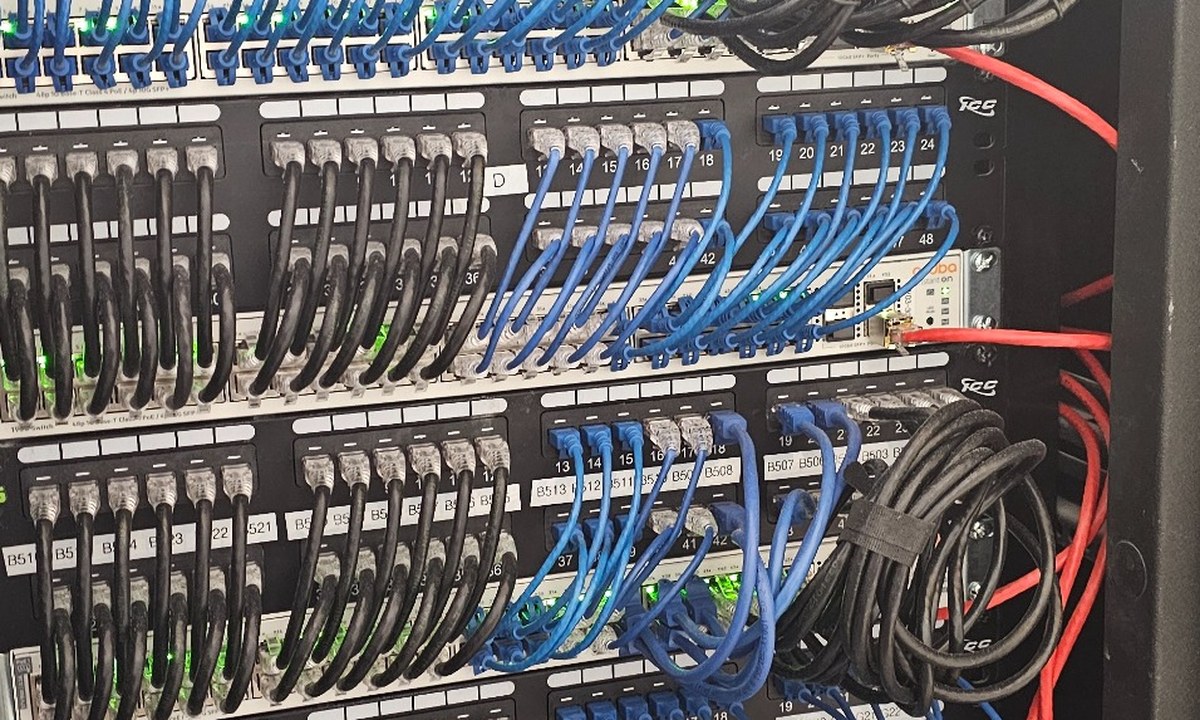
A five-person office can often run well on a single business-grade gateway, a small managed switch, and one or two access points, modest, but real equipment. At fifteen people, the device count and traffic patterns change: you'll typically want a proper firewall, a larger switch with power-over-Ethernet for phones and cameras, multiple access points, and deliberate segmentation. At thirty people, the network is genuinely infrastructure, structured cabling, a rack, redundant thinking about what happens when something fails, and monitoring so problems are caught before staff notice them. The mistake we see most is a thirty-person business running on a five-person network and wondering why everything feels slow.
Common mistakes
The classics: buying the most expensive consumer router instead of modest business equipment; adding Wi-Fi extenders instead of wired access points; leaving the internet provider's combo box in charge of the whole network; nobody knowing the passwords to any of it; and treating the network as finished the day it's installed. Networks need firmware updates and occasional review just like computers do, unpatched network equipment is one of the most common ways businesses get compromised.
How we'd decide for you
We'd start with questions, not products: how many people and devices, what the building layout looks like, what runs on the network (phones? cameras? card processing?), what's regulated in your industry, and where the business is headed over the next few years. From there, the design usually falls out naturally, and for most small offices, well-configured mid-market equipment covers it without any exotic hardware. If your network grew by accumulation and you're not sure what you actually have, that's a normal place to start, and it's exactly the kind of thing a network assessment untangles.
Keep reading.
Get a straight answer about your network.
Tell us how many people you have and what keeps going wrong, and we'll tell you what a right-sized network looks like for your business, no brochure, no upsell.