Your practice runs on uptime. A workstation that freezes in the middle of an appointment isn't just inconvenient. It's a patient experience problem.
Small medical and dental practices depend on their EMR and EHR systems, front desk scheduling software, and patient records being available at every workstation, every day. When that infrastructure isn't reliable, it slows down clinical staff, creates friction for patients, and puts your practice's reputation on the line. Define Edge builds and manages the IT infrastructure that keeps clinical practices running.
IT problems medical and dental offices deal with every day.
EMR/EHR Software Freezing or Crashing
Slow workstations and outdated hardware cause the EMR to hang mid-appointment. Clinical staff lose time, patients wait longer, and the front desk falls behind. The fix is usually straightforward once someone actually looks at the machines.
No Separation Between Patient Data and General Browsing
Staff computers used for everything with no access controls, clinical software, personal email, social media, all on the same machine with the same login. No boundaries means no accountability and real compliance exposure.
Staff Sharing Logins
The entire front desk uses one login. There are no individual accounts and no reliable audit trail. Every person who ever worked there has the same password. This is a compliance exposure and a security risk, and it's extremely common in small practices.
Imaging Systems That Don't Talk to Everything Else
Digital X-ray, intraoral scanners, and other imaging equipment need to move images into the patient record without a workaround at every step. We make sure imaging systems are networked and integrated correctly with the rest of the practice's IT, not left running as their own separate island.
Keeping clinical workstations on a supported OS.
Backups nobody has actually tested are not backups.
IT for the practice-management side, not just the clinical side.
Front Desk Systems Going Down
Appointment scheduling, check-in, and billing software failing at the worst times: Monday morning, during the afternoon rush, or just before the end of the day. When the front desk can't pull up a patient record, everything stops. We keep the workstations, network, and connectivity behind that software reliable, so the practice manager isn't the one troubleshooting it between patients.
Front Desk Devices Are a Bigger Target Than They Look
The front desk handles more sensitive data than almost any other workstation in the practice, patient records, insurance details, payment information, often on the same machine used for general web browsing and email. It's also usually the first place a phishing email gets opened. We lock down front-desk machines with the same access controls, endpoint protection, and MFA as the rest of the practice, so the busiest computers in the building aren't the least protected.
One Call Instead of Four
A practice manager juggling the EMR vendor, the imaging vendor, the internet provider, and the phone system separately loses hours to being the go-between. We coordinate directly with your software and hardware vendors, so you make one call and we sort out whose problem it actually is.
IT built around how clinical practices actually run.
Medical and dental practices have a common IT profile: 3–15 workstations, a server or cloud-hosted EMR/EHR, a front desk system for scheduling and billing, and a mix of clinical staff who shouldn't need to think about IT and a front desk that gets blamed when it breaks. We build and manage the infrastructure that makes all of that reliable: workstations that meet spec, networks that don't drop, backups that actually run, and someone to call when something doesn't work.
We work alongside your EMR/EHR vendor, not against them. Most clinical software vendors, Dentrix, Eaglesoft, Curve Dental, eClinicalWorks, Athenahealth, and others, have specific hardware and OS requirements. We make sure workstations meet those specs, stay updated, and are configured so the software runs correctly. When something breaks, we know whether it's an IT issue or a software vendor issue, and we tell you clearly, so you're not spending an hour on hold with the wrong support line.
A note on HIPAA: Define Edge is not a covered entity and does not execute Business Associate Agreements (BAAs). We build infrastructure with security best practices that support HIPAA compliance, encrypted workstations, individual user accounts with access controls, enforced MFA, and documented configurations. For full HIPAA compliance assessment and BAA execution, you'll need a compliance specialist; we can refer you to one. What we handle is the technical foundation that a compliant practice depends on.
What medical and dental practices ask us.
What medical and dental practices typically use
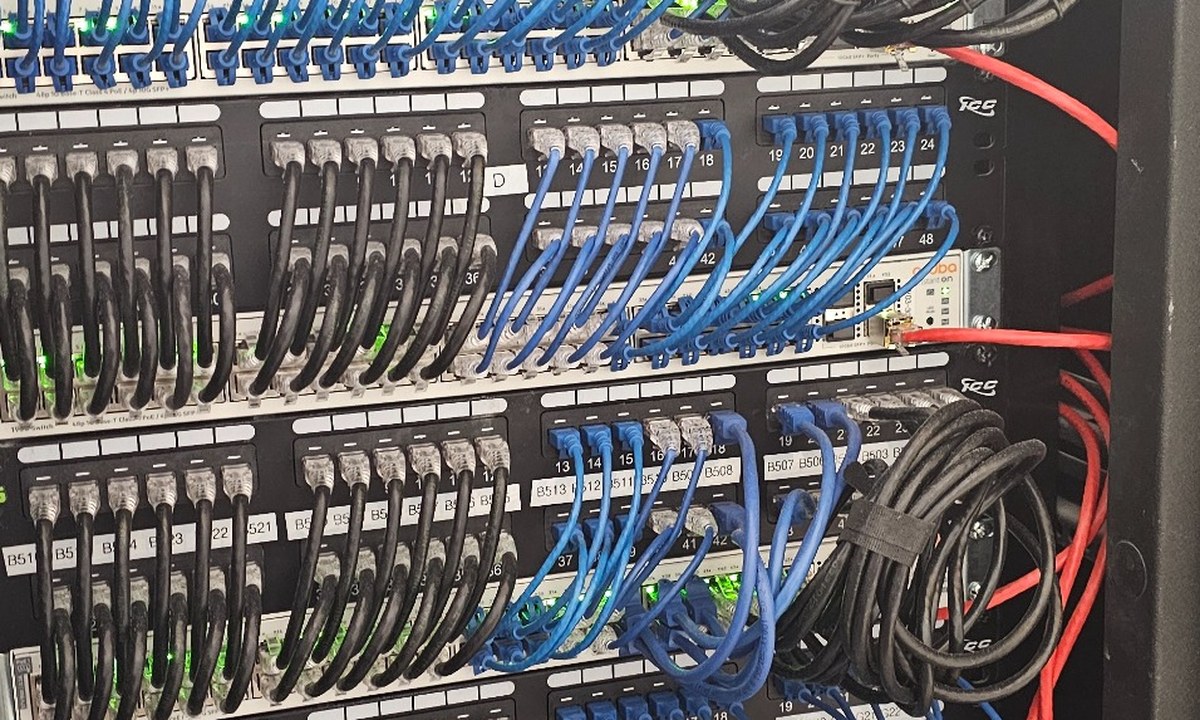
Let's make sure your practice's IT doesn't interrupt patient care.
Get a free IT assessment and find out what it would take to make your workstations, network, and clinical software reliable. No obligation.