
Which cameras are actually worth the money?
Camera marketing is a numbers game, more megapixels, bigger zoom, "AI detection" on every box. But when a business actually needs footage, the questions that matter are different: was the camera pointed at the right spot, could it see in the dark, and was it actually recording?
What this decision actually is
Buying cameras feels like buying hardware, but you're really buying an outcome: usable footage of the right places, retained long enough to matter, retrievable when something happens. Every spec decision should trace back to that. The camera itself is often the least important part of the system, the wiring, the recorder, the storage math, and the placement plan are what separate a system that delivers evidence from a wall of monitors that delivers false confidence.
Resolution numbers are mostly marketing
Megapixel counts are the easiest thing to print on a box, which is why they dominate the sales pitch. Past a reasonable baseline, more resolution mostly means more storage consumed, and a high-resolution camera mounted too far away, at the wrong angle, or behind glare still produces useless footage. A moderately specced camera positioned well beats a flagship camera positioned badly every single time. What actually deserves your attention:
Storage and retention. How many days of footage do you keep, and does that survive the resolution and camera count you've chosen? Incidents are often discovered days or weeks later, a system that overwrites itself in a few days may as well not exist. Retention is a math problem that has to be worked out before purchase, not discovered after.
Night performance. Most incidents worth reviewing happen after hours. A camera that produces a beautiful daytime image and a smear of noise at 2 a.m. failed at its actual job. Real low-light sensor performance matters far more than the megapixel number, and it's exactly the spec the box doesn't emphasize.
Placement. Entrances, registers, loading areas, parking approaches, at heights and angles that capture faces and plates, not the tops of heads. A placement walk-through is worth more than any spec sheet.
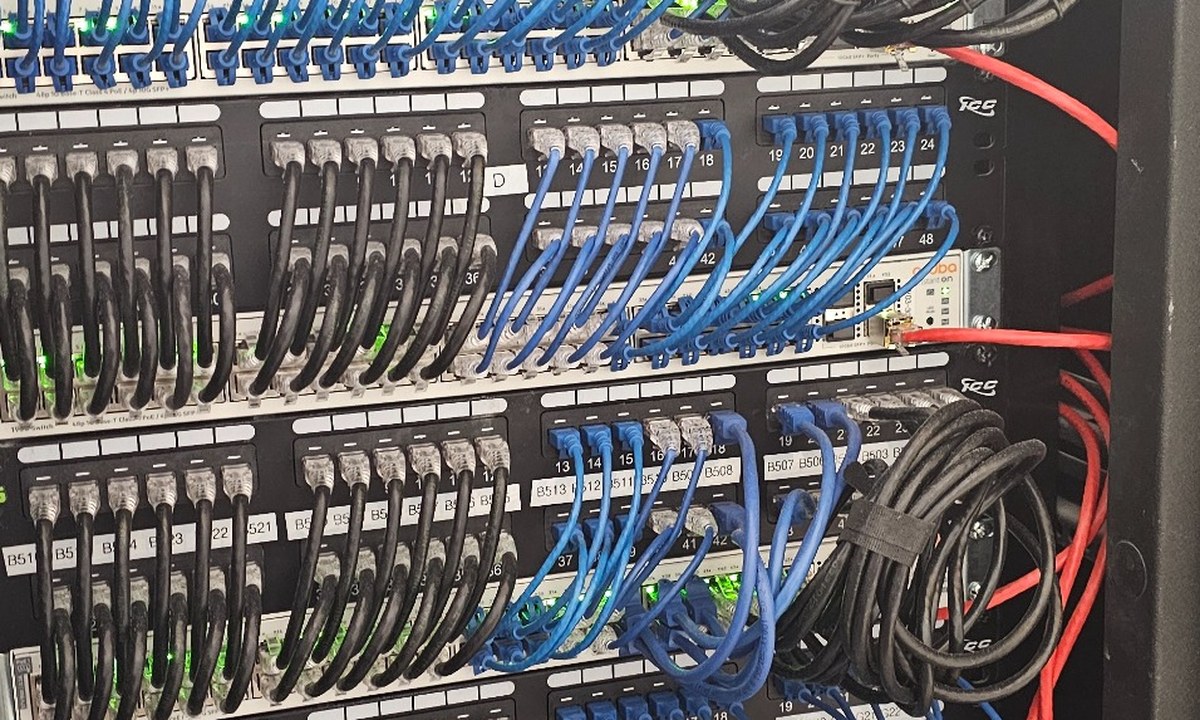
PoE wiring. Professional systems run on Power over Ethernet: one cable per camera carries both power and video back to the recorder. It's reliable, clean, and expandable. Wireless battery cameras have their place at home; for a business they're a maintenance liability with a dead-battery failure mode you won't notice until you need footage.
NVR or cloud recording?
An on-site NVR (network video recorder) stores footage locally: no monthly per-camera fees, long retention is cheap, and playback doesn't depend on your internet connection. Cloud recording flips that: footage lives off-site, which protects it if the recorder is stolen or destroyed, and multi-site access is effortless, but you pay ongoing per-camera costs and upload bandwidth becomes a real constraint as camera counts grow. For most single-location businesses with more than a handful of cameras, an NVR is the sensible core, sometimes with cloud backup of critical cameras. For small camera counts or multiple scattered sites, cloud-first can genuinely win. Neither is "the right answer", the mix depends on your site count, camera count, and internet connection.
The mistake that makes everything else irrelevant
Here's the failure we see most, and it has nothing to do with brands: the business had cameras, something happened, and only then did anyone discover the system stopped recording months ago. A failed drive, a camera knocked out of alignment, a recorder that rebooted and never resumed, footage is useless if nobody ever verified it was being captured. Camera systems are IT systems. They need firmware updates, health monitoring, drive checks, and periodic verification that every camera is recording and pointed where it should be, the same maintenance discipline as any server or firewall. A camera system nobody maintains is a system that fails silently, and silent failure is the one kind you can't afford here.
How we'd decide for you
We'd walk your site and start with what you actually need to see, which doors, which areas, which approaches, then work backward to camera count, placement, and specs. We'd do the retention math out loud, decide NVR versus cloud based on your sites and bandwidth rather than a default, and wire it properly on PoE. And because we treat cameras as part of your IT, monitoring and maintenance are part of the plan from day one, not an afterthought. That's the approach behind our camera systems, and you can see it applied in our apartment complex camera upgrade.
Keep reading.
Find out if your cameras would actually deliver.
Whether you're planning a new system or wondering if your existing one is quietly failing, tell us what you have and what you need to see, we'll give you an honest read on where it stands.