
Office Move IT Checklist
Before the move, moving day, and after, plus a "gotchas" section covering the details that actually cause delays: alarm transfer, door access, static IPs, DNS, elevator access, and more. This is the list that keeps a move from becoming a week of scrambling.
PDF and Word checklist, ready to print or edit
A timeline-based list covering everything from lead-time tasks weeks out to the details that only surface once you're standing in the new space.
What's included
- Before the Move, scheduling internet installation at the new address with enough lead time, notifying vendors of the change, confirming what equipment travels versus what gets replaced, walking the new space to plan Wi-Fi access point placement for real coverage (not just one router in a corner), and settling on where the server/network rack will live and what size it needs to be for the equipment and cabling it has to hold.
- Moving Day, the shutdown and transport sequence for servers, network gear, and workstations, and what to verify before anyone unplugs anything.
- After the Move, bringing systems back online in the right order, testing connectivity room by room, and confirming phones and printers are reachable again.
- Gotchas, the details that cause the most delays: alarm system transfer to the new address, door access credential reprogramming, static IP reassignment with your ISP, DNS record updates pointing to the new location, building elevator or freight access scheduling, spare cabling on hand for last-minute runs, and checking UPS battery health after transport.
Why this matters
Office moves rarely fail on the big, obvious items, everyone remembers to move the computers. They fail on the small things nobody thinks about until they're standing in the new space with no way in because the door access system was never reprogrammed, or no internet because the ISP's install date slipped past move-in day. The "gotchas" section exists because we've seen every one of these cause a multi-day scramble at a client who thought they were fully prepared.
Static IPs and DNS records are the quiet ones, if your website, email, or line-of-business software points to an IP tied to your old address, nobody notices until customers can't reach you. Alarm transfer and door access are the physical-security equivalent: skip them and the new space is either unprotected or inaccessible.
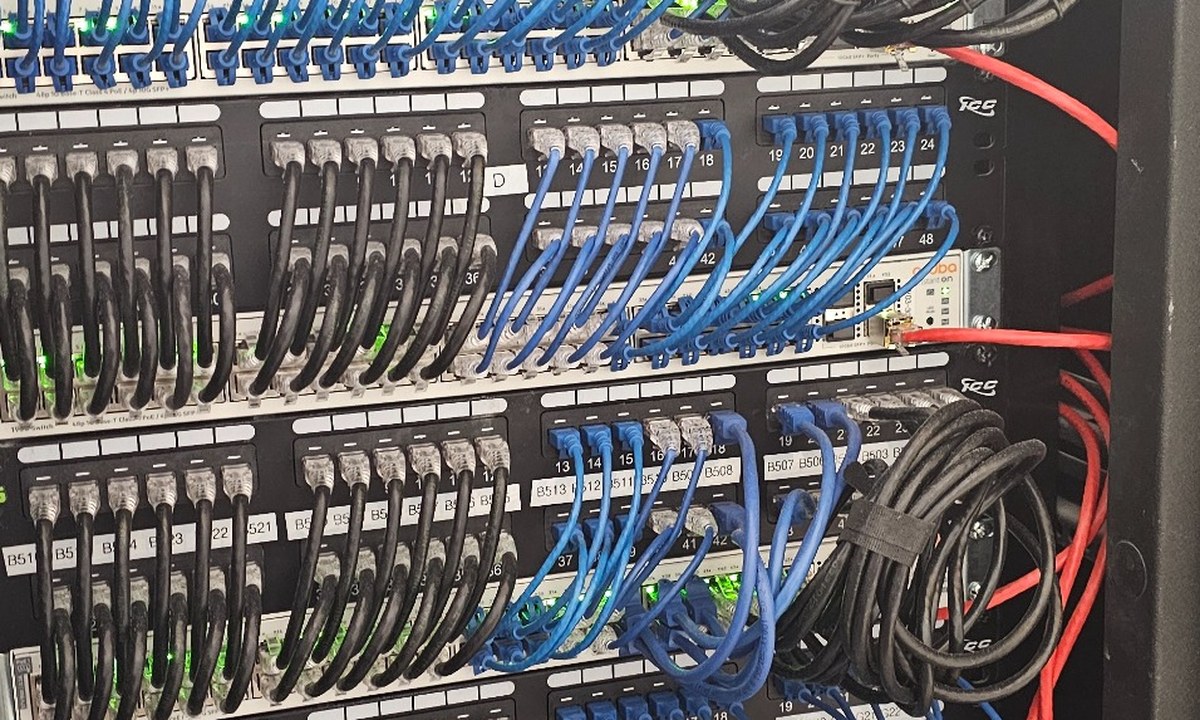
Wi-Fi and rack space are the other two that get decided by accident instead of on purpose. Access point placement determines whether every corner of the new office actually has usable Wi-Fi or just the area closest to the router, and it's far easier to plan cable runs for access points before the walls are finished than to add them after the fact. The same goes for the rack, decide where it lives and how big it needs to be for your actual equipment and cabling before move day, not after a switch ends up sitting on the floor because nothing was sized for it.
How to use it
Start the "Before the Move" section as early as possible, internet installation lead times are frequently the longest dependency in the entire move. Walk the "Gotchas" list out loud with whoever's coordinating the move; most of these items get missed simply because no one owns them. Don't consider the move complete until every system has been tested from the new location, not just plugged in.
Keep reading.
We'll manage the IT side start to finish.
From scheduling the new circuit to catching the gotchas before they cause a delay, we handle the coordination so the move doesn't become a week of downtime.