From first call to ongoing support: here's exactly what happens.
Switching IT providers or signing on for managed IT for the first time feels like a black box. It shouldn't. Here's the actual process, what happens, in what order, and what to expect at each step.
Seven steps from first call to ongoing support.
First Call
We start with a real conversation about what's going on, no sales script, no pressure. Fifteen to twenty minutes to understand your business, your current setup, and what's prompting you to look for IT support.
Free Assessment
We look at your network, security posture, backups, and current setup. This is a hands-on review, not a sales pitch, a clear look at what's included before anything is proposed.
Findings Review
We walk through what we found in plain English: what's working, what's at risk, and what's outdated. No jargon, no scare tactics, just a clear picture of where things stand.
Proposal
A clear scope of what's included in ongoing support, what's a separate project, and pricing for each. No surprises buried in fine print.
Onboarding
Documentation, access review, MFA setup, and agent deployment across your devices. This is where we get your environment fully under management, see what onboarding looks like in detail.
Initial Cleanup
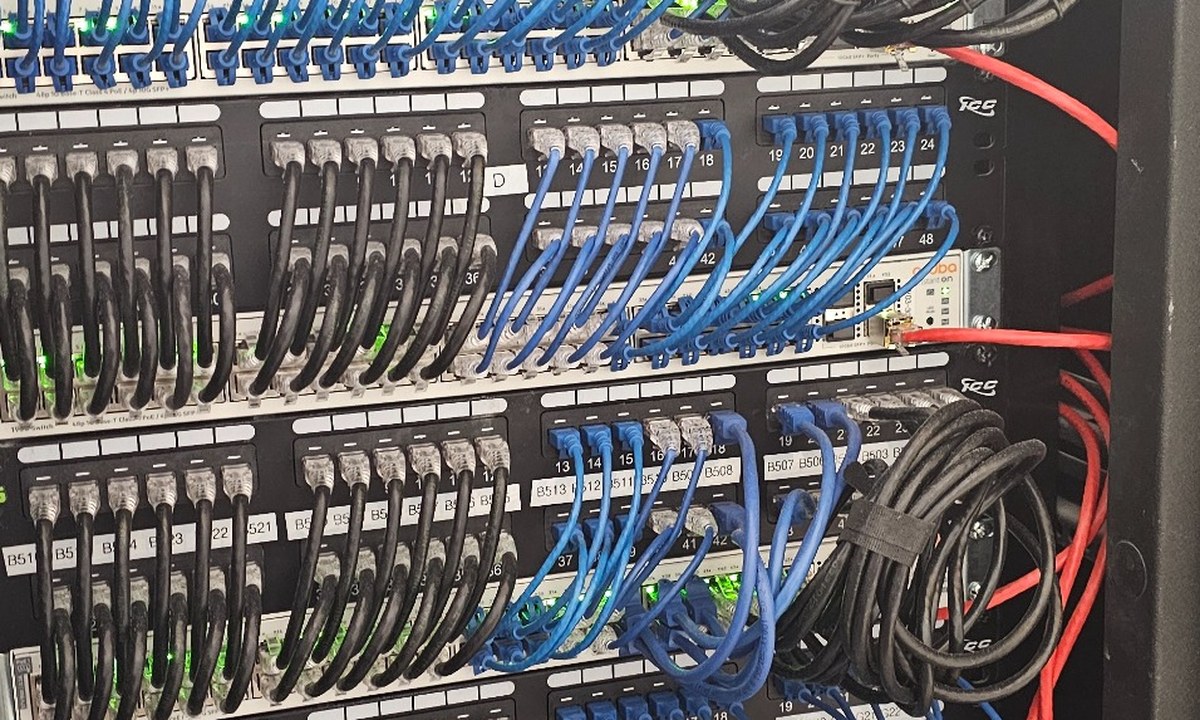
If there's a backlog of issues, old accounts that were never deactivated, messy cabling, unpatched systems, we tackle it first, before moving into steady-state support.
Ongoing Monitoring & Support
Once the environment is stable, you're on regular monitoring and help desk support, issues get caught before they become emergencies, and your team has someone to call when something comes up.
A realistic timeline, not a rushed one.
Most clients are fully onboarded within two to four weeks, depending on the complexity of the environment and how many systems need to be brought under management. A single-office business with straightforward needs can move faster; an organization with multiple locations, legacy systems, or compliance requirements will take longer to do right. We'd rather take the time to get it correct than rush and leave gaps.
We don't disappear after onboarding. You'll have regular review check-ins to talk through what's working, what's changed in your business, and what's coming up. As your company grows, we make proactive recommendations, new hires that need accounts and devices set up, aging hardware that should be replaced before it fails, security gaps that open up as you add new tools. The relationship is ongoing, not a one-time project.
Questions we hear about getting started.
Learn more about getting started
Ready to take the first step?
Get a free IT assessment and find out exactly what working with Define Edge would look like for your business. No obligation.