
You signed. Here's exactly what happens next.
Onboarding isn't "we'll take it from here" while you cross your fingers. It's a structured process, documentation, security setup, and verification, built so nothing falls through the cracks on your way to steady-state support.
Seven steps, in order, before you're in steady-state support.
Full Discovery & Documentation
Every device, server, account, and piece of software gets documented. Nothing stays "tribal knowledge" living in one person's head, if you ever need an answer about your environment, we have it on file.
Agent Deployment
Monitoring and management agents get installed on workstations and servers so we have real visibility into your environment from day one, not after something breaks.
Access & Account Review
Every login gets reviewed. Shared accounts are flagged, ex-employee access is removed, and we get a clear picture of who can get into what across your systems.
MFA Enforcement
Multi-factor authentication gets rolled out across email, key systems, and remote access. This single step closes off the most common way businesses get compromised.
Backup Verification
We don't assume backups work just because something is technically running. We test them and document exactly what's being protected, how often, and where it's going.
Vendor & License Inventory
Every software vendor, renewal date, and license gets documented so nothing lapses unexpectedly, no surprise renewal charges, no software that quietly stops working.
Initial Cleanup
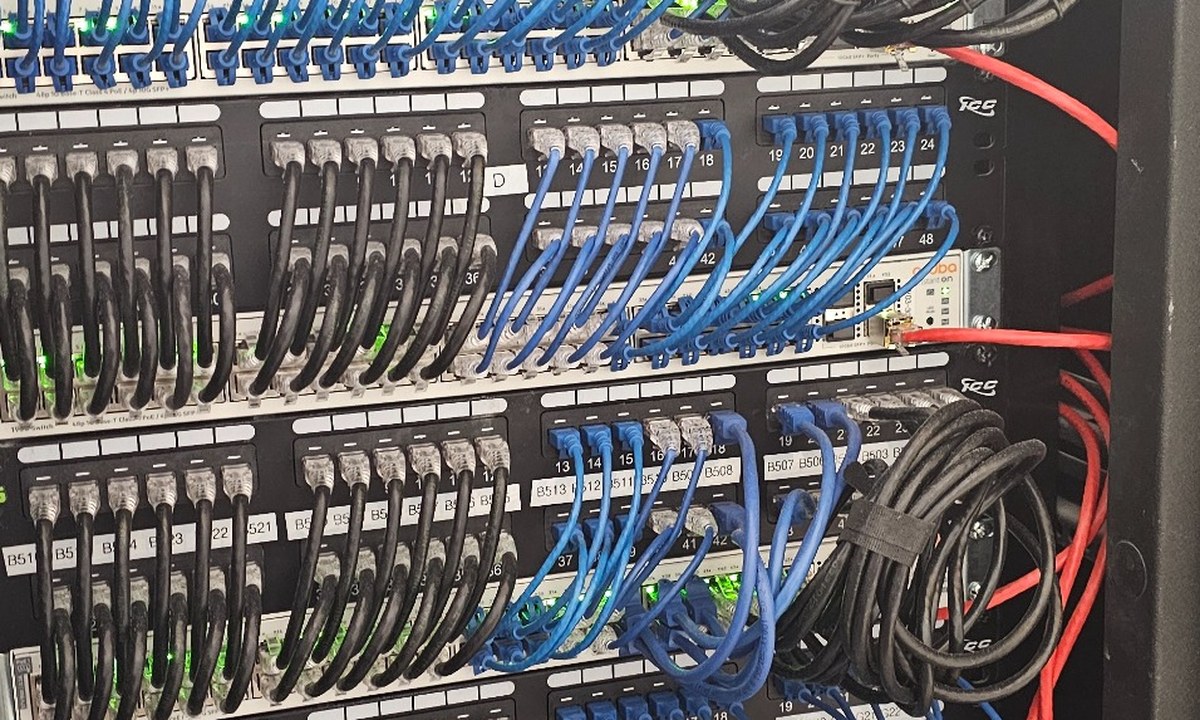
If there's a backlog, old equipment, messy cabling, outdated software, unpatched systems, we prioritize it and tackle it before moving you into steady-state support.
How long it takes.
Most onboarding engagements take two to four weeks from signing to full steady-state support, depending on the size of your environment and how much cleanup is needed. A small office with a handful of workstations and clean existing documentation moves faster. A business with years of undocumented changes, mixed-up vendor accounts, or no prior IT management takes longer, because we'd rather get the discovery right than rush it and miss something that comes back to bite you later.
During this window, your day-to-day operations see minimal disruption. Most of the work happens behind the scenes, documentation, agent installs, and account reviews don't require your team to stop what they're doing. You'll have a single point of contact the entire time, regular updates on where things stand, and a clear sense of what's been done and what's left. By the time onboarding wraps, you're not just "a new client", you're a fully documented, fully protected environment that we actually understand.
Onboarding questions we hear often.
What comes next
Ready to get started?
Get a free IT assessment and find out what onboarding would look like for your environment. No obligation.